GIFT CARD
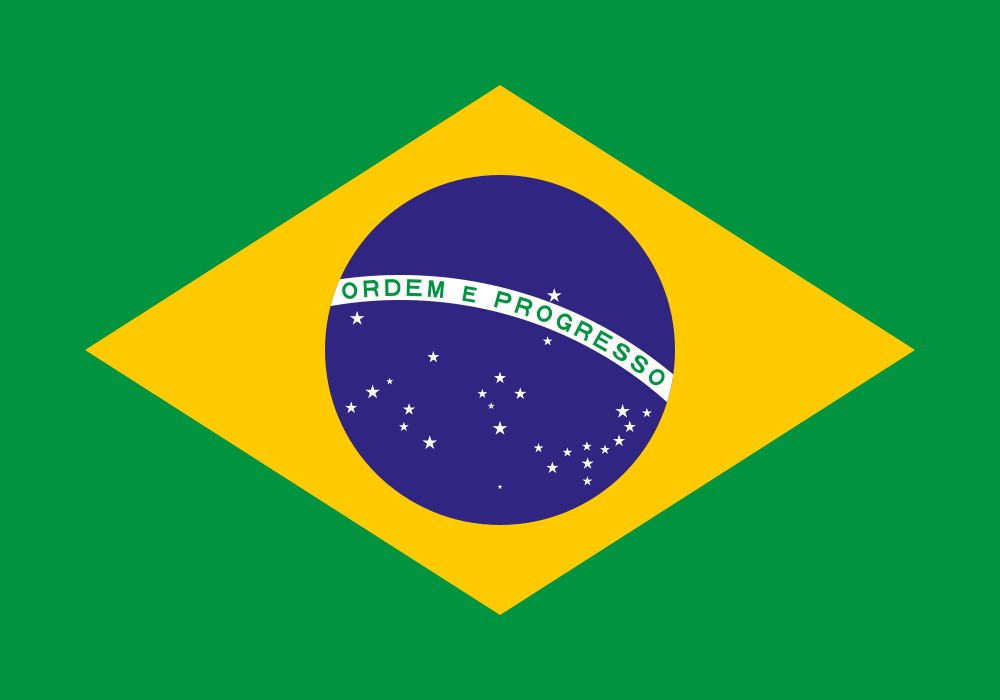 Brazil
Brazil

Delivered in seconds, right after payment
Genuine, unused codes — replaced if one fails
Pay with USDT — TRC20 or BEP20
Accepted payment
₮ USDT · TRC20
₮ USDT · BEP20
Wallet balance
Google Play gift cards. Codes can be safely stored and redeemed later.
 US
US AE
AE AT
AT BE
BE DE
DE ES
ES FR
FR ID
ID IN
IN IT
IT JP
JP KR
KR NL
NL PL
PL SA
SA TR
TR UK
UKHow to redeem your Google Play code
- 1 Open the Google Play Store app, or go to play.google.com/redeem.
- 2 Tap your profile picture and choose Payments & subscriptions → Redeem gift code.
- 3 Enter the code and tap Redeem.
- 4 The credit appears in your Play balance immediately.
Good to know
•
Google Play balance is strictly regional — your account country must be Brazil.
•
Some subscriptions in certain countries still require a card on file.
Frequently asked questions
How do I check my Play account country?
Play Store → profile → Payments & subscriptions → Payment methods → Settings.
Can I combine several cards?
Yes — balances stack, so two smaller cards work like one bigger one.
Will a Brazil code work on my account?
Only if your account country is set to Brazil. Gift card codes are issued per region, so check your account settings before ordering — you can pick another region above if needed.
How do I pay?
We accept USDT on the TRON (TRC20) and BNB Smart Chain (BEP20) networks. Payment confirms on-chain in about a minute and delivery is automatic.
When do I get the code?
Immediately after the payment confirms. The code is shown on the order page, emailed to you, and stored in your lvlkey account.
Is the code new and unused?
Yes. Every code comes from an authorised distributor and is delivered to one customer only. If a code ever fails to redeem, contact support and we will replace it.
Ready to buy your Google Play code?
Pay with USDT on TRC20 or BEP20 — the code lands in your inbox seconds after confirmation.